01 · Capture
The Inbox & Capture box
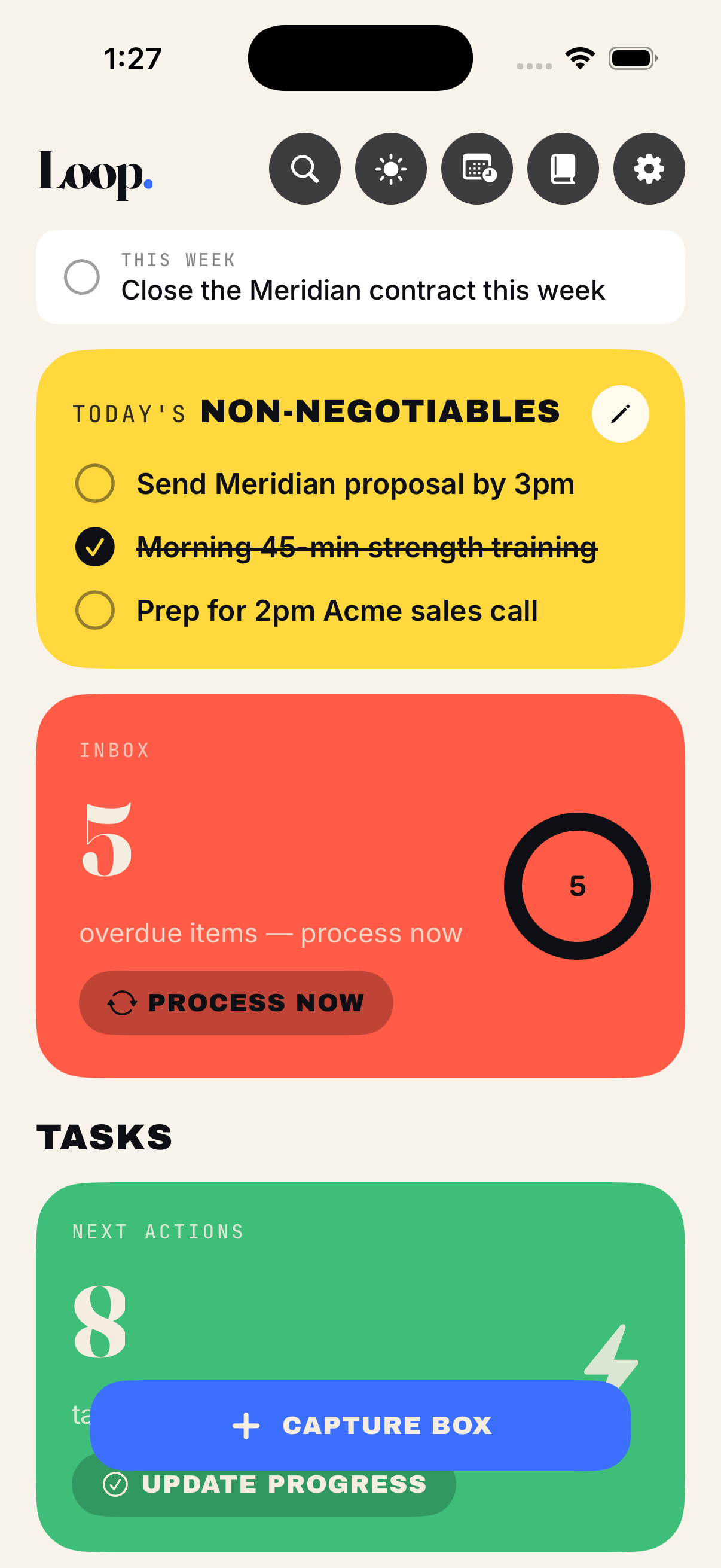
Every trusted system starts in the same place: a single, frictionless spot to offload whatever is on your mind. In Loop that's the Capture box, pinned to the bottom of your Home screen. One tap, type the thought, done — it drops into your Inbox and gets out of your head before it can turn into a nagging loop.
The point isn't to organize in the moment. The point is to capture without deciding. A stray idea, a task, a half-formed worry, a link to read later — it all goes to the same place, so your brain learns it can let go. That trust is the whole foundation. Without it, you keep re-holding everything yourself.
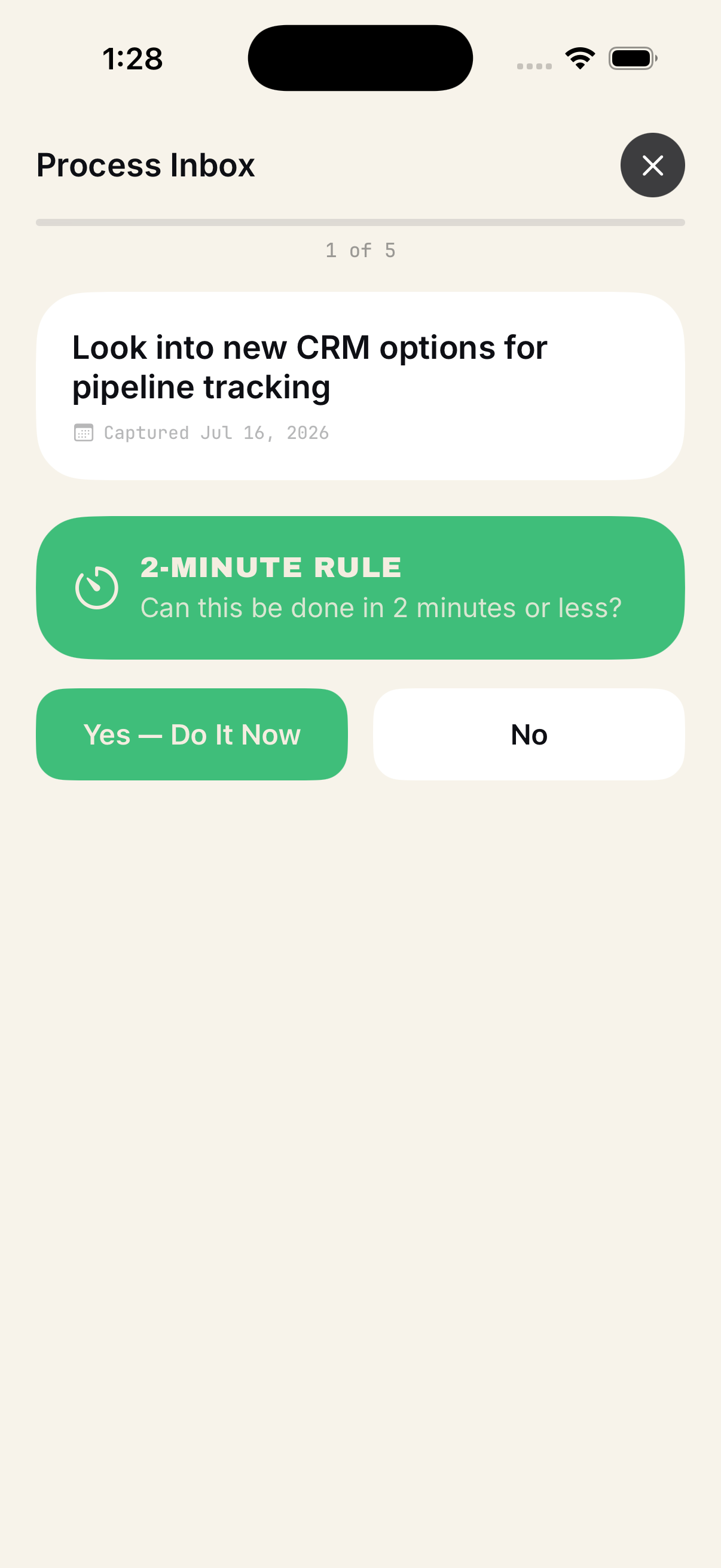
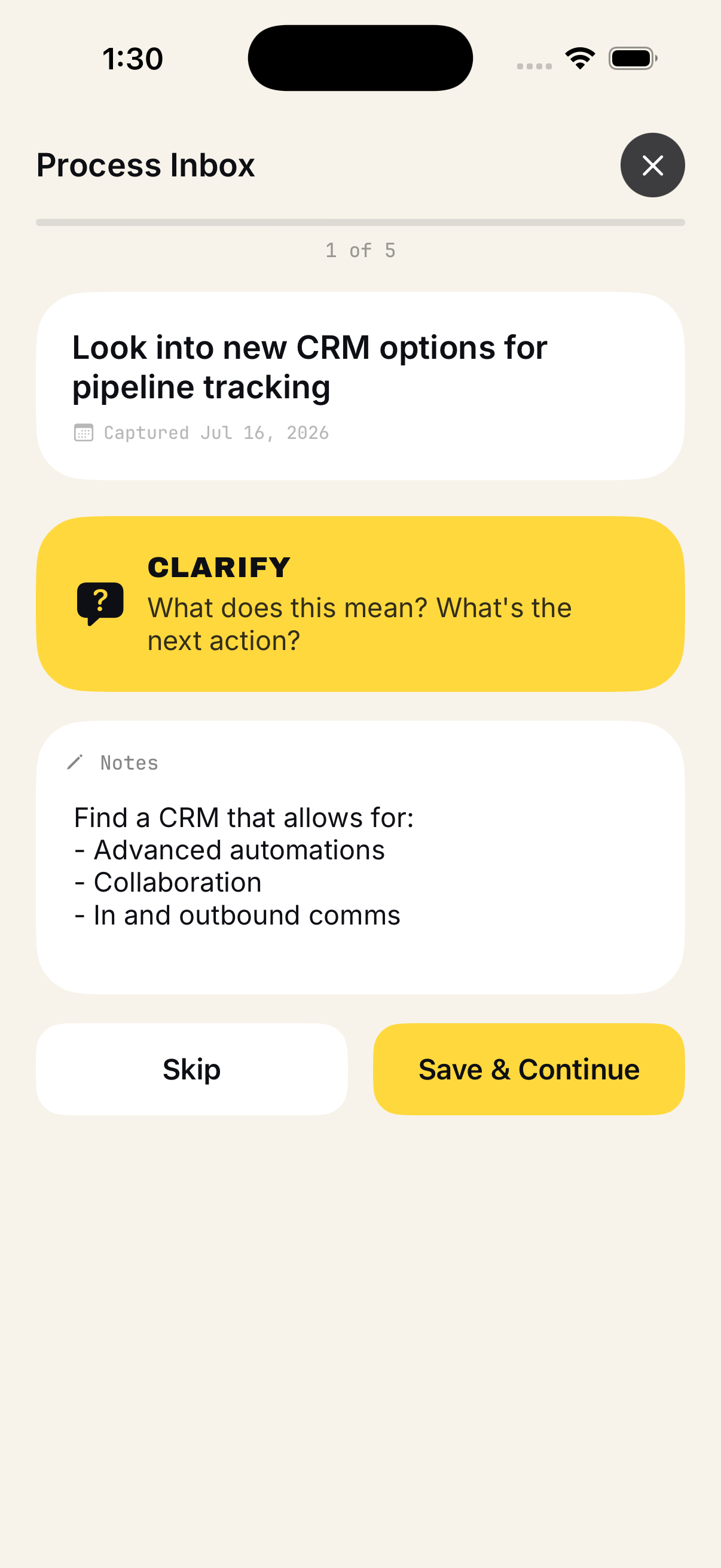
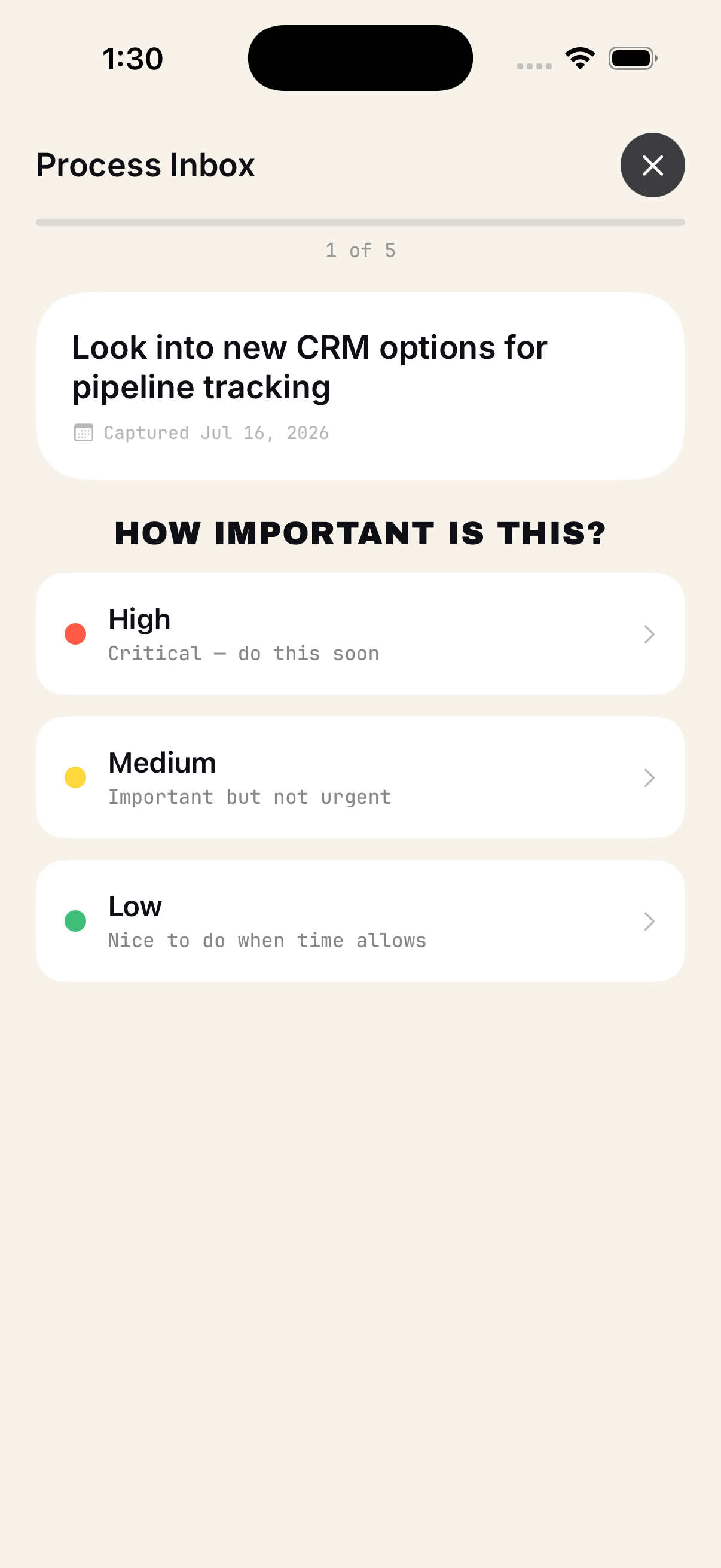
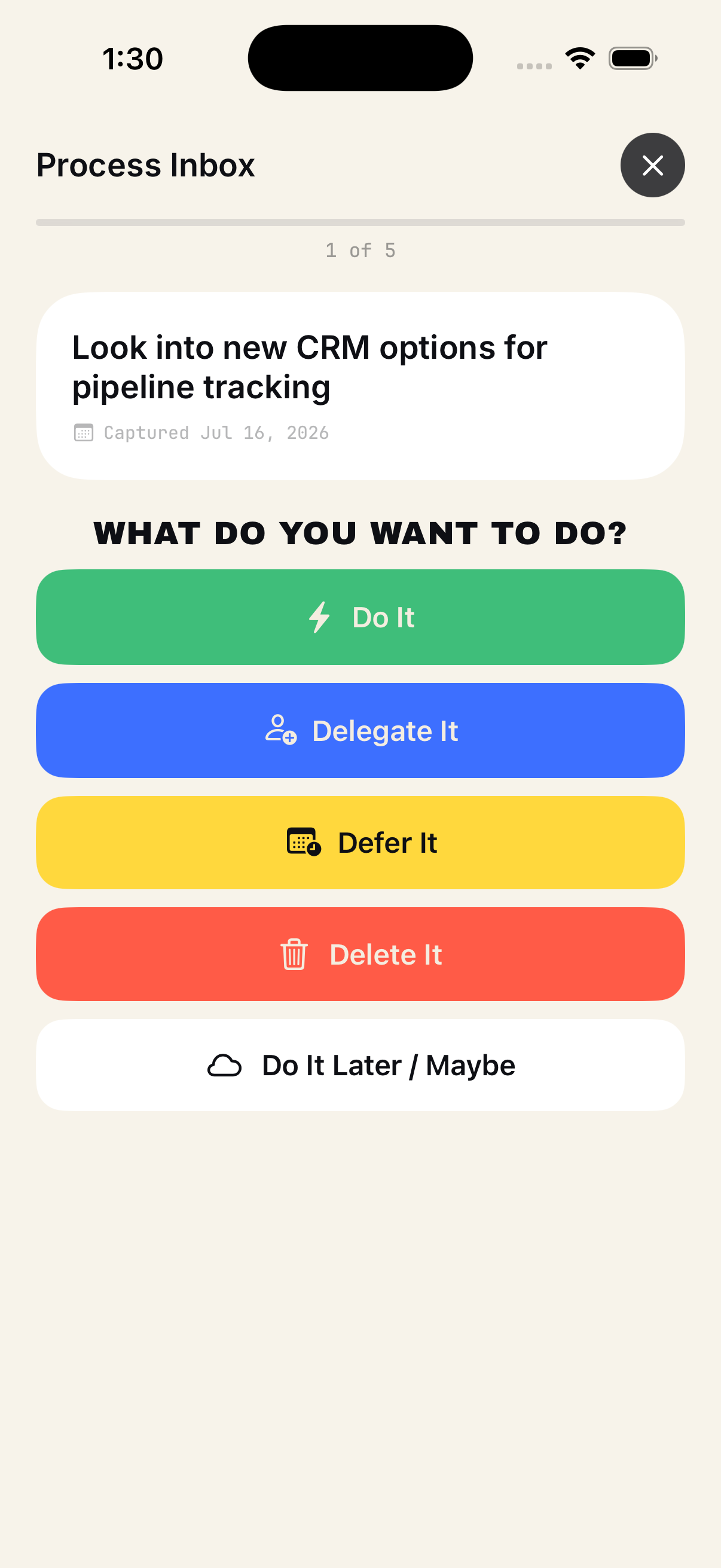
The Inbox is deliberately a holding pen, not a home. Things don't live there — they wait there until you clarify them. Which is exactly what the wizard is for.
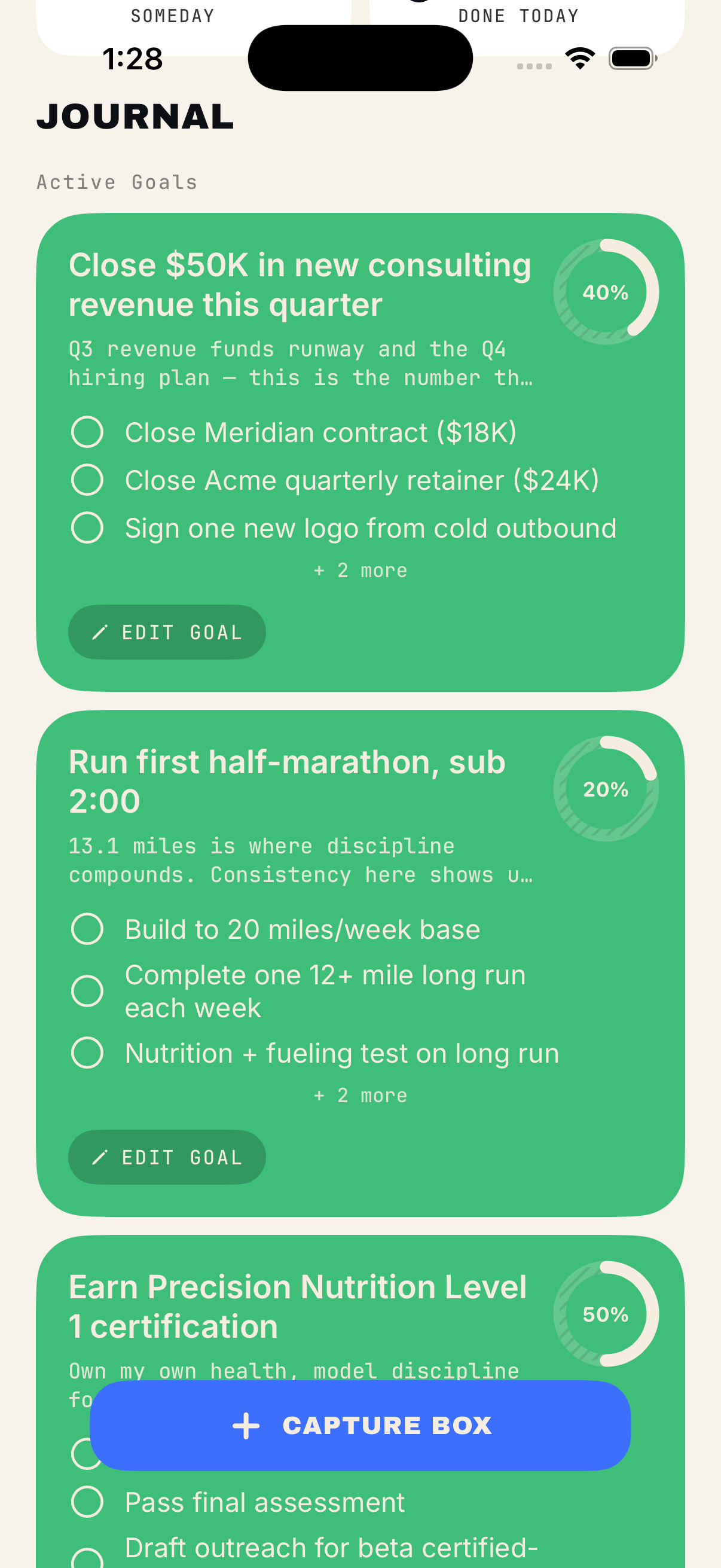
And you don't always have to reach for your phone. Loop works with Siri, so you can run it hands-free — say "add three things to Loop" and reel them off while you're driving, walking, or between meetings, and they land in your Inbox ready to process. Siri can also surface what matters on command — today's Non-Negotiables, this week's objective, your current goals — or kick off your daily or weekly review by voice. For a busy operator whose hands are always full, it's the shortest path from a fleeting thought to a system you trust.
- "Add 'email the landlord' to Loop."
- "Add three things to Loop."
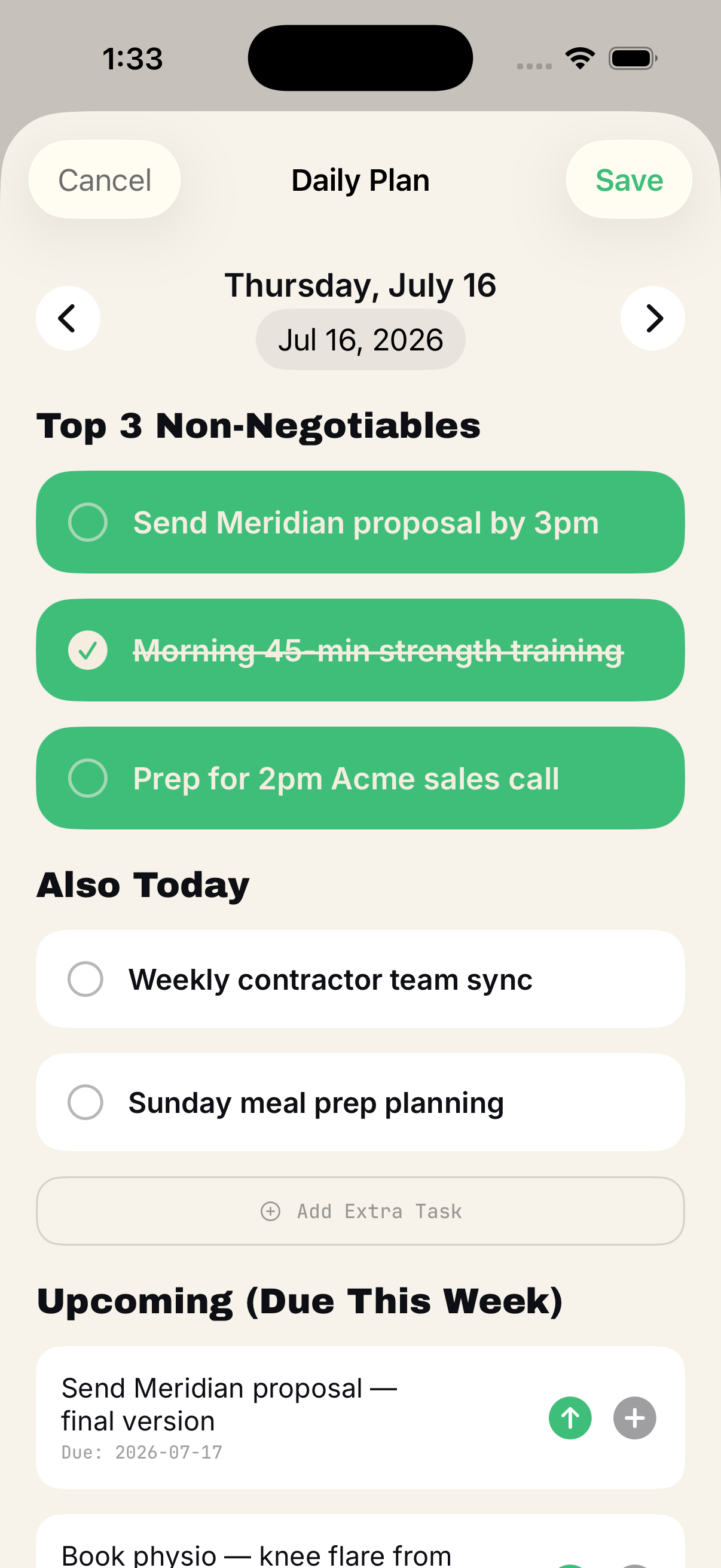
- "What are today's non-negotiables?"
- "Show my current goals in Loop."
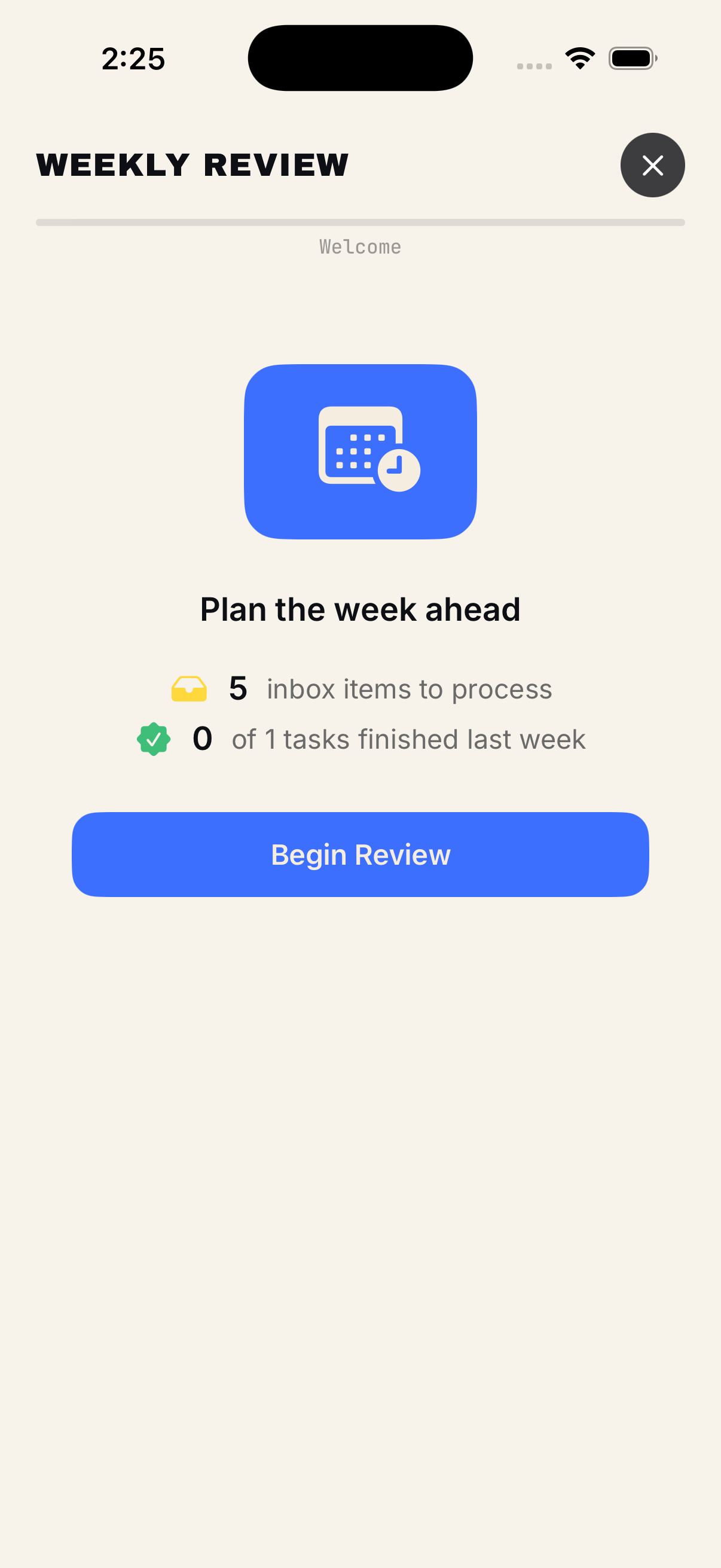
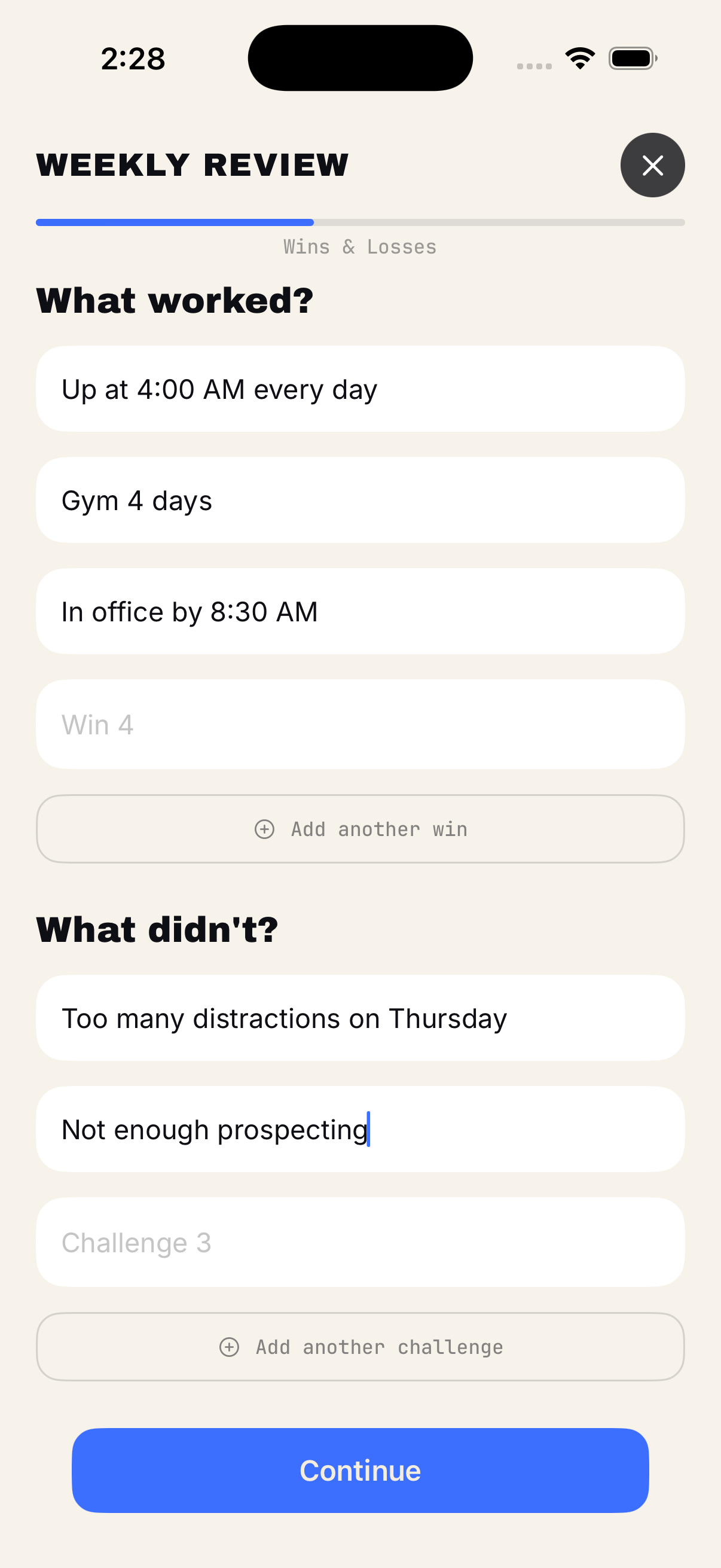
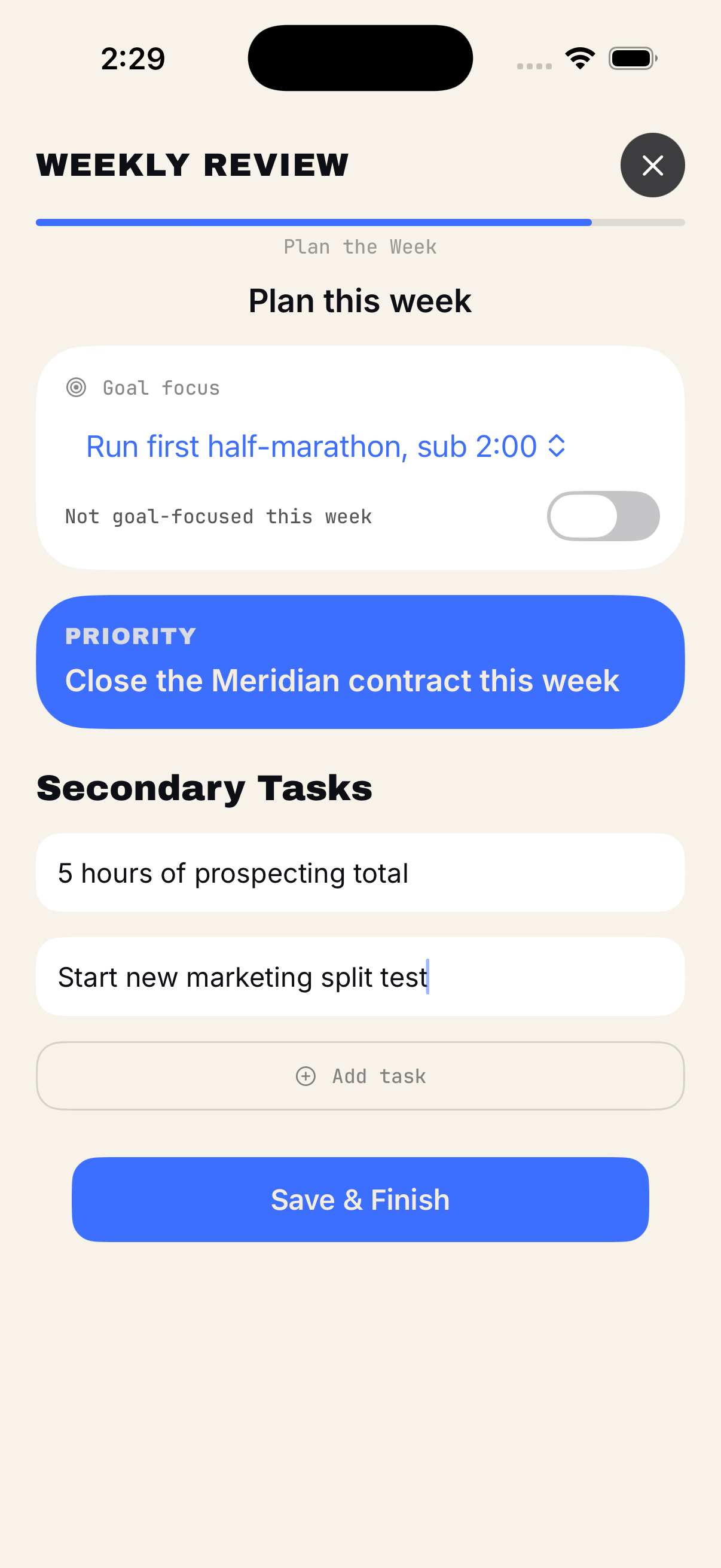
- "Start my weekly review in Loop."
Your brain is for having ideas, not holding them.
-
1 Capture
Dump anything into the Inbox.
-
2 Next Actions
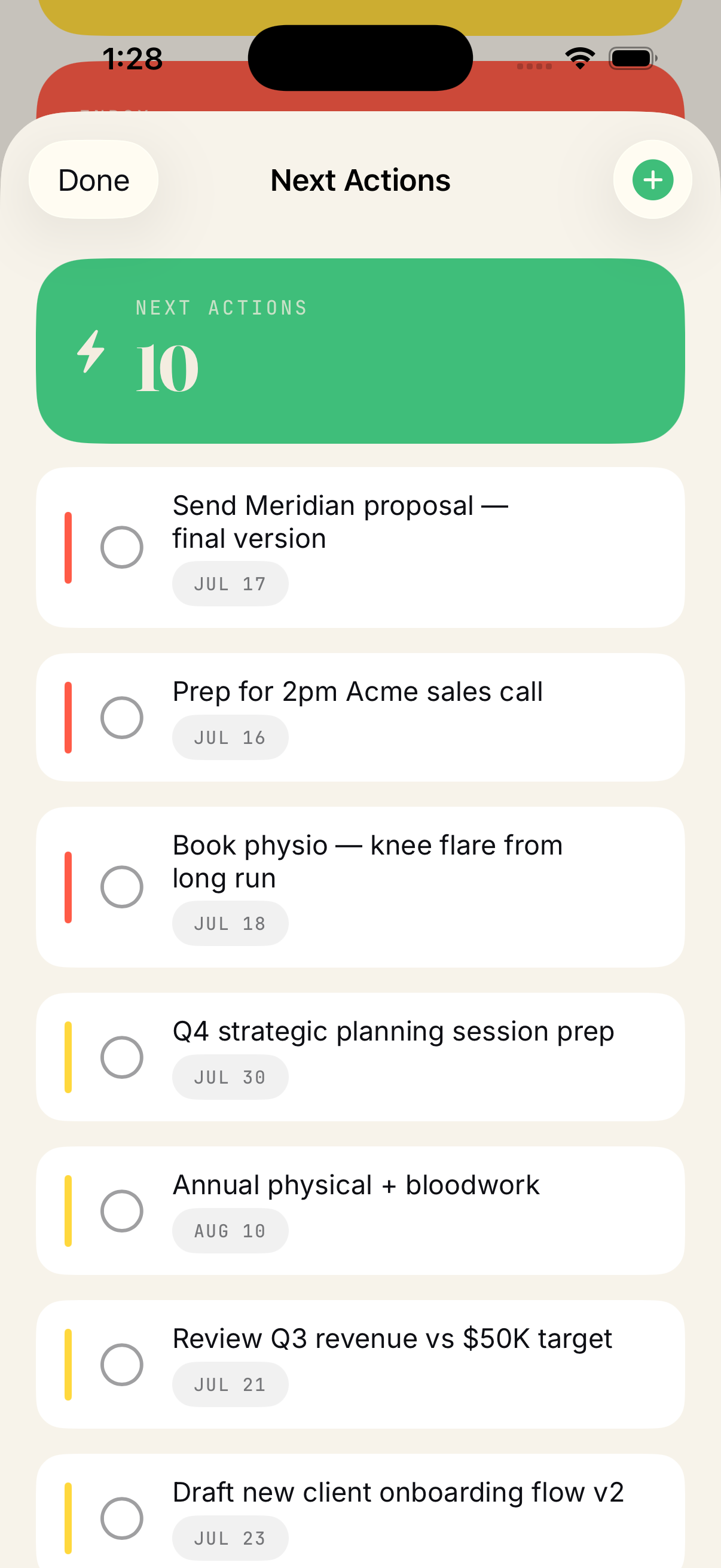
Once processed, it becomes a clear next step.